Track semaglutide, tirzepatide, retatrutide, and other GLP-1 medications alongside macros, weight, and side effects in one app. Updated August 2026.
Build around your routine
01Your schedule02Your dose history03Your supply
Important
This page is informational. BodyDex is a tracking tool, not a medical device. We don't prescribe, source, sell, or recommend any compound, and mentions of specific medications here are for education only — not endorsements. Always work with a qualified prescribing clinician on dose, titration, and side effects. Follow your local laws.
The short answer
Keep GLP-1 dose history, side effects and nutrition together.
Reminders + supply estimates
Track your prescribed plan
More context +
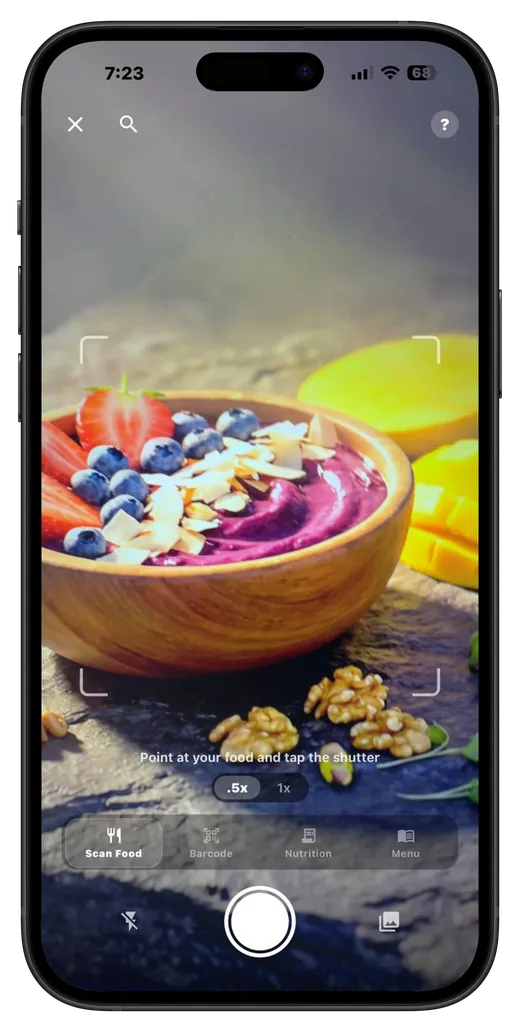
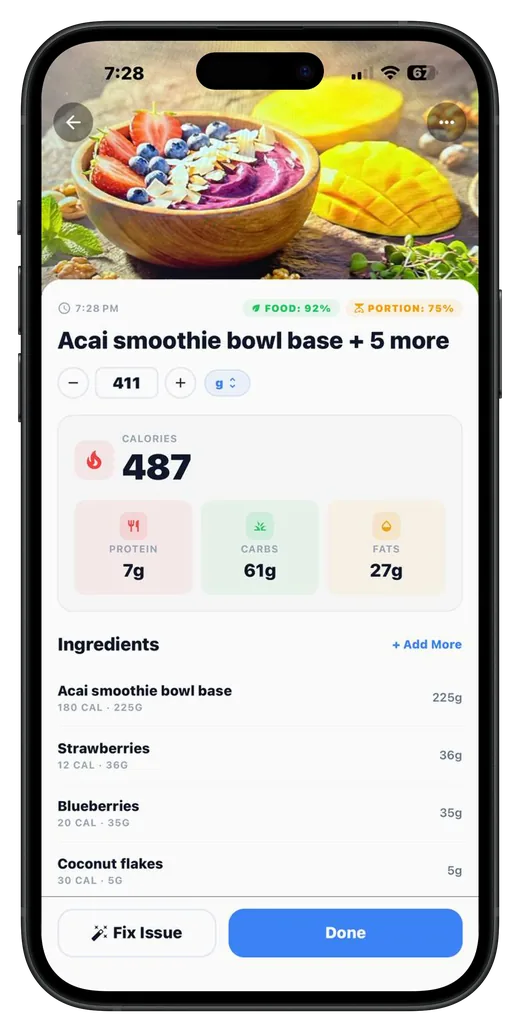
BodyDex on iPhone and Android tracks GLP-1 medications (semaglutide, tirzepatide, retatrutide, etc.) alongside macros, weight, and side effects in one app. Set a fixed weekly or custom dose schedule; the app schedules local notifications, logs each dose with site + side-effect notes, and warns before you run out of supply. All data lives on-device. Free — the free tier covers 2 active protocols per category (peptides, medications); Premium ($9.99/mo or $79.99/yr) removes the cap and adds AI food scanning + the AI coach.
What a GLP-1 tracker has to do
Weekly dose schedule
GLP-1 medications are typically dosed weekly, and the prescribed dose can change over time. BodyDex lets you set a fixed weekly or custom schedule that matches what your clinician prescribed, with reminders that fire automatically — and when the prescription changes, you update the protocol and the log keeps the history. If your clinician's plan already lays out dose changes for later weeks, or a course that runs a set number of weeks, you can enter that up front: each day shows the dose your own plan calls for, and reminders and adherence stop when the course ends. BodyDex never chooses a dose; it follows exactly the plan you entered.
Per-injection logging
Each weekly shot gets its own timestamped entry — date, dose, site, and notes. Skipped or rescheduled doses show clearly so you can reconstruct what actually happened, not what was supposed to happen.
Side-effect notes per dose
Side effects like nausea and fatigue are commonly reported with GLP-1 medications. Logging them with each dose gives you a dated record to review with your prescribing clinician. Dose History marks the days that carry a note or side effect on the calendar and sums each recorded side effect week by week, per compound — so you can see whether something is fading or sticking around.
Macros + appetite tracking
Reduced appetite is the central GLP-1 effect. Tracking actual food intake (calories, protein) alongside doses tells you whether protein floors are being maintained — important for preserving lean mass during a cut.
Weight integration
Weight history pulls from Apple Health (HealthKit) and lives in the same app as your dose log — weight and nutrition trends in the Progress tab, dose history in the protocol's own view. The Progress tab's Weight Stats card also projects a goal date from your real weigh-ins — updated weekly, with an ahead / on-track / behind reading against a target date you set — alongside your weekly average change and total change. Under two weeks of entries it says it is still estimating rather than guessing.
Supply / refill alerts
Pharmacies run out, compounding sources change, manufacturer back-orders happen. BodyDex tracks vial / pen count — a level gauge and days-left estimate sit on the protocol card — and warns before mid-cycle gaps so you can reorder with lead time.
Progress the scale can't see
Looser rings, more energy, a walk that felt easy. The Wins Journal on the Progress tab keeps one-line non-scale wins, browsable by month. Progress photos sit alongside it — free for everyone, with a viewer you can swipe and pinch-zoom and a compare mode that puts any two photos side by side with the gap shown in days. Both stay on your device.
How to log a GLP-1 dose in BodyDex
1Open Peptides & Meds
On the Home tab, swipe to the Protocols panel and tap Peptides & Meds, then tap Add Protocol.
2Pick the GLP-1 compound
Choose semaglutide, tirzepatide, retatrutide, or another GLP-1 / weight-loss compound from the list, or enter a custom name.
3Set the starting dose and unit
Enter the dose and unit you actually inject — typically mg for semaglutide / tirzepatide, mcg for some compounded variants.
4Configure the weekly schedule
Pick a once-weekly schedule or a custom cadence matching what your clinician prescribed. BodyDex schedules local notifications for each dose. If your clinician's plan includes dose changes for later weeks or a fixed course length, enter them in the advanced schedule options and BodyDex follows that plan exactly; otherwise, when your prescribed dose changes, update the protocol and the log keeps the history.
5Log each weekly dose
On dose day, tap the protocol and confirm — record the actual dose, injection site, time, and any side effects.
6Review trends
The Progress tab shows weight, calorie, and protein trends, and each protocol keeps its own dose history — nutrition and dose records side by side in one app.
FAQ
Is BodyDex a medical device?
No. BodyDex is a tracking and journaling tool. It does not diagnose, treat, prevent, or cure any condition. It does not provide medical advice. Always work with your prescribing clinician on dose, titration, and side effects. The information here is general and educational.
Does BodyDex prescribe or sell GLP-1s?
No. BodyDex is software only — we don't source, sell, recommend vendors, or facilitate any prescription or compounded compound. Sourcing is between you and your clinician/pharmacy and is governed by your local laws.
Which GLP-1 medications can I track?
Anything you can describe with a name, dose, unit, and schedule — semaglutide (Ozempic, Wegovy), tirzepatide (Mounjaro, Zepbound), retatrutide (not yet FDA-approved), liraglutide (Saxenda, Victoza), dulaglutide (Trulicity), or any compounded variant. The protocol model is generic and not restricted to a brand list.
How do I log side effects?
When you log a dose, the entry includes a notes field. Use it for nausea, fatigue, GI symptoms, appetite suppression strength, sleep changes, anything you want to recall later. Side-effect entries are kept with each dose and reviewable in Dose History (filterable by compound), which marks those days on the calendar and sums each recorded side effect week by week — visible to you only, they live on-device.
Can I track macros and weight alongside doses?
Yes. BodyDex was built for this — track GLP-1 weekly doses in Peptides & Meds (Home tab, Protocols panel), calories and macros on the food log, weight from HealthKit. The Progress tab shows weight and macro trends, and each protocol keeps its own dose history — separate views in the same app.
Where is my GLP-1 dose history stored?
On your device, in a local SQLite database. There is no centralized BodyDex database of your medication history. On iOS, iCloud backup (if you use it) is at the OS level and follows Apple's standard encryption posture; on Android, BodyDex opts out of OS backups entirely, so Android OS backup does not copy your log. Exports, sharing, and AI features can send selected data off-device as described in our privacy policy.
Will the app remind me to inject?
Yes. Once you set a weekly schedule, BodyDex schedules local notifications on your device. Reminders fire even with the app closed, and they follow the schedule you actually set — weekly, every other day, twice a week, or as-needed, which stays quiet until you log a dose yourself.
What about compounded vs brand-name GLP-1s?
BodyDex tracks whatever you tell it. The data model is name + dose + unit + schedule — it doesn't distinguish brand vs compounded. Some users add the source as a note for record-keeping. Sourcing decisions are yours and your clinician's.