Free tool
Peptide Reconstitution Calculator
Pick your U-100 insulin syringe — 1, 0.5 or 0.3 mL — then enter your vial amount, the volume of bacteriostatic water (BAC water) you're adding, and the dose you want. This peptide calculator shows where that dose lands on your syringe, plus the concentration and the volume to draw. It only does arithmetic on the numbers you type.
- Your figures stay in your browser
- Shows its working
- Never suggests a dose
Result
On a 1 mL U-100 syringe
— units
Enter the peptide in the vial, the water added and the amount per dose to see the result.
- Concentration
- —
- Volume per dose
- —mL
- Per 0.1 mL
- —
- Per U-100 unit
- —
- Doses per vial
- —
Not medical advice. This calculator only performs arithmetic on the numbers you enter. It is not medical advice, not a dose recommendation, and not a substitute for your product's label or your prescriber's instructions. The results are only as accurate as your inputs, so check every figure against your vial, your syringe, and the guidance you've been given. It does not recommend any peptide, dose, syringe, or amount of bacteriostatic water.
How to use the calculator
Pick your syringe
Pick the U-100 insulin syringe you'll read from: 1 mL, 0.5 mL or 0.3 mL. The result is shown on that syringe's own marks.
Enter the vial amount
Type the total amount of peptide in the vial, and pick the unit printed on the label: milligrams, micrograms, or IU.
Enter the BAC water and your dose
Type how many milliliters of bacteriostatic water you are adding to the vial, then the dose amount you want to draw. Both are numbers you choose or are given — the calculator doesn't suggest either.
Read the results
The calculator shows the concentration (amount per mL), the volume to draw in milliliters, and where that volume lands on your syringe: the nearest printed mark, in U-100 units.
How the reconstitution math works
Reconstitution means mixing a dry, freeze-dried peptide with a liquid so the amount can be measured. A peptide reconstitution calculator does two short divisions. First it finds the concentration by dividing the vial amount by the volume of water you add. Then it finds the volume to draw by dividing your dose by that concentration.
Every result is arithmetic on the numbers you enter. The tool has no idea what is actually in your vial or how much water you added; it only divides what you type, so the answer is only as good as those entries.
What concentration means
Concentration is how much peptide sits in each milliliter of liquid, written as mg/mL or mcg/mL. For example, if you entered a 5 mg vial and 2 mL of BAC water, the concentration would be 5 ÷ 2 = 2.5 mg/mL, which is the same as 2,500 mcg/mL.
Add more water and the concentration drops, so you draw a larger volume for the same dose; add less and the concentration rises, so you draw a smaller volume. Neither is automatically correct — the amount of bacteriostatic water to use is set by your product's label and your prescriber, not by this page.
Reading the result on your syringe
A syringe tells you how much liquid to draw, and different syringes count that liquid differently. An insulin syringe is marked in units: on a U-100 syringe 100 units make 1 mL, so 1 unit is 0.01 mL. The calculator shows your draw volume on a 1 mL, 0.5 mL or 0.3 mL U-100 syringe, so pick the one you actually have.
To turn a volume into U-100 units, multiply the milliliters by 100: 0.1 mL is 0.1 × 100 = 10 units, and 0.5 mL is 50 units. The number on the barrel describes liquid, not peptide — the milligrams or micrograms inside that liquid depend on the concentration. Line the figure up against the markings on the syringe in your hand before you rely on it.
Why U-40 and U-100 marks are not interchangeable
U-100 and U-40 are two different scales. “U-100” means 100 units per milliliter and “U-40” means 40 units per milliliter, so one U-40 unit (0.025 mL) holds two and a half times the liquid of one U-100 unit (0.01 mL). The same number of units is a different volume on each syringe.
That is why a figure worked out for one scale must never be read on the other. The same 0.1 mL of liquid reads as 10 units on a U-100 syringe but 4 units on a U-40 syringe (0.1 × 40 = 4); and the 10 mark means 0.1 mL on a U-100 syringe but 0.25 mL on a U-40 syringe — two and a half times as much. Every unit figure this calculator shows is a U-100 unit, so never read it on a U-40 syringe.
Reading to the nearest mark
A syringe can only be drawn to the marks printed on it, so the calculator shows the exact figure and then the nearest printed mark, rounding half up. The smallest mark differs by syringe: 2-unit marks on a 1 mL U-100, 1-unit marks on a 0.5 mL U-100, and half-unit marks on many 0.3 mL U-100 syringes.
When the exact figure sits exactly between two marks, it rounds up to the higher one. If the nearest mark is more than 5% away from the exact figure, the calculator flags it — at that point the amount you could actually draw differs from the figure by more than 5% — and, where one exists, it points to a syringe on the same scale with finer marks. For example, an exact 7 units on a 1 mL U-100's 2-unit marks sits halfway between the 6 and 8 marks, rounds up to 8, and is flagged because 8 is about 14% above 7.
Marking varies by maker — some 0.3 mL syringes carry whole-unit marks only, and some 1 mL U-100 syringes carry 1-unit marks — so check the barrel in your hand against what the calculator shows.
Common unit mistakes: mg vs mcg, mL vs units
The most common error is mixing up milligrams and micrograms. They differ by a factor of 1,000 (1 mg = 1,000 mcg), so entering a value in the wrong unit can throw the result off by tenfold or more. Keep the vial amount and the dose in units you can relate to each other.
The second mix-up is milliliters versus syringe units. Units on an insulin syringe measure liquid, not peptide — hundredths of a milliliter on a U-100 syringe. Draw volume (mL) and syringe units describe the same amount of liquid two ways, while the milligrams or micrograms of peptide in that liquid depend on the concentration.
Frequently asked questions
How much BAC water do I add to a peptide vial?
That amount isn't something a calculator can decide — it's governed by your product's label and your prescriber. What this tool does is take whatever volume of bacteriostatic water you enter and show the concentration and draw volume that result from it. If you change the water, run it again to see the new numbers.
How do I calculate peptide concentration?
Divide the vial amount by the volume of water you added. For example, if you entered a 10 mg vial and 2 mL of BAC water, the concentration is 10 ÷ 2 = 5 mg/mL (5,000 mcg/mL). The peptide calculator does this division for you.
How many units is a dose on an insulin syringe?
Find the concentration first, then divide your dose by it to get the volume in milliliters. On a U-100 syringe multiply that volume by 100 for the units. For example, at a concentration of 5,000 mcg/mL a 250 mcg dose is 250 ÷ 5,000 = 0.05 mL, which is 0.05 × 100 = 5 units on a U-100 syringe. Change any input and the units change with it.
How many units is 0.25 mL on a U-100 syringe?
Multiply the milliliters by 100: 0.25 mL × 100 = 25 units. This conversion is fixed for any U-100 syringe (100 units = 1 mL) and doesn't depend on the peptide or the concentration. A U-40 syringe is different — the same 0.25 mL reads as 0.25 × 40 = 10 units there — which is why this calculator's units are for U-100 syringes only.
My syringe is marked in milliliters, not units — what do I read?
Read the volume per dose: the calculator always shows it in milliliters next to the syringe reading. Milliliters convert straight to U-100 units: 1 mL = 100 units, so 0.2 mL is the same liquid as 20 units on a U-100 syringe. The syringe picker and the nearest-mark reading are for U-100 insulin syringes.
What is the difference between mg and mcg?
One milligram equals 1,000 micrograms (1 mg = 1,000 mcg). Labels may use either, so if your vial is listed in milligrams and you think about your dose in micrograms, convert one to match the other before comparing. For example, 2 mg is 2,000 mcg.
Why does the volume to draw change when I add more BAC water?
Because more water lowers the concentration. The same peptide spread through more liquid means each milliliter holds less, so you draw a larger volume for the same dose. For example, a 5 mg vial in 1 mL is 5 mg/mL, but the same vial in 2 mL is 2.5 mg/mL — half the concentration and double the volume for an identical dose.
Does the calculator store or send the numbers I enter?
Nothing is sent. The arithmetic runs entirely in your browser — nothing you type is sent to us or anyone else, and nothing is written into the web address, so there's no link that carries your figures. Nothing is saved either, unless you tick “Remember my numbers on this device”: then your last entries are kept only in this browser so the page can show them next time. “Clear” removes them, and unticking the box deletes them.
Can I rely on this peptide calculator for my dose?
No — it's a math tool, not medical advice. It divides the numbers you enter and nothing more; it can't check your vial, your water, or whether any dose is right for you. Your product label and your prescriber decide what you actually do, so use the calculator only to check the arithmetic.
What units should I enter?
Enter the vial amount and dose in the unit shown on your label — milligrams, micrograms, or IU — and the BAC water in milliliters. Keep the peptide units consistent so the division makes sense; the tool can't guess whether you meant milligrams or micrograms, and it won't convert between weight and IU.
Important
This calculator only performs arithmetic on the numbers you enter. It is not medical advice, not a dose recommendation, and not a substitute for your product's label or your prescriber's instructions. The results are only as accurate as your inputs, so check every figure against your vial, your syringe, and the guidance you've been given. It does not recommend any peptide, dose, syringe, or amount of bacteriostatic water.
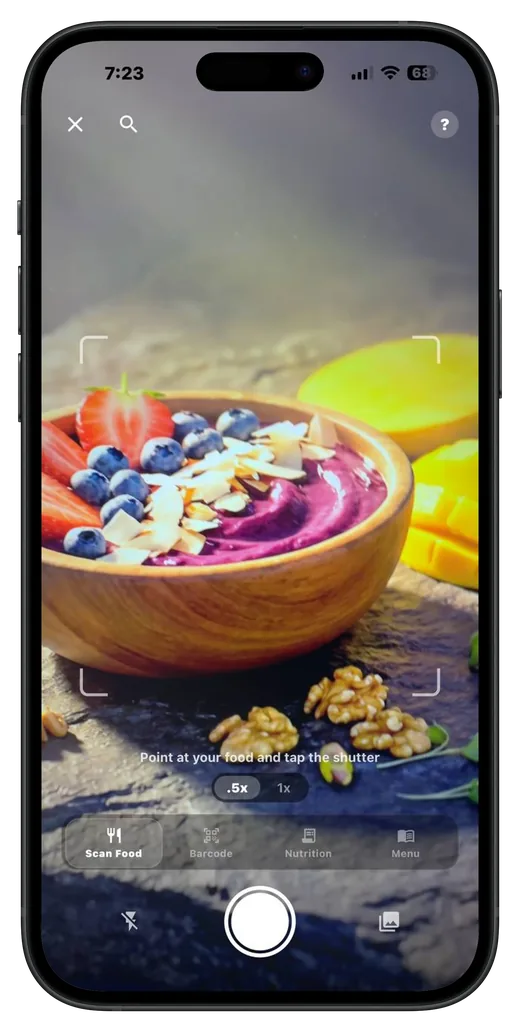
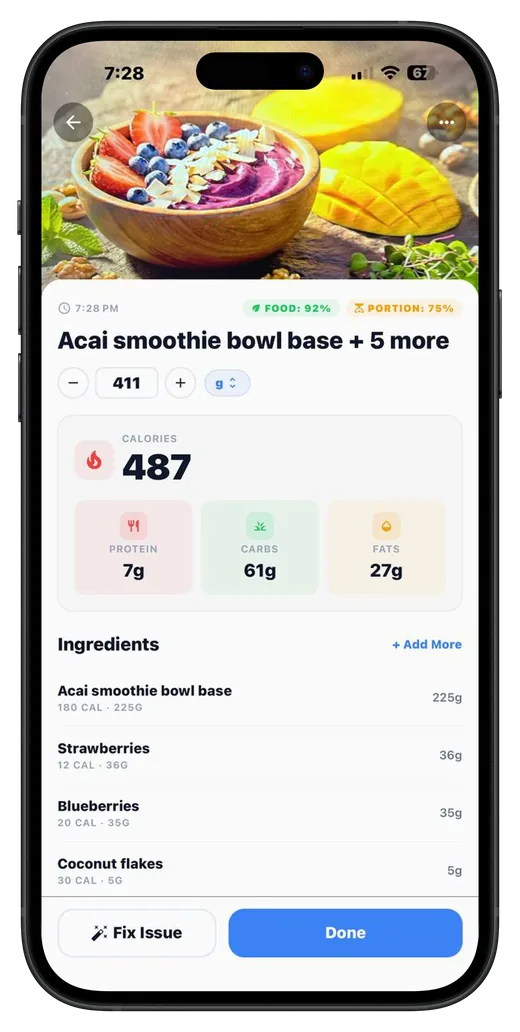
 Your nutrition, decoded.
Keep your protocols organized in Bodydex
Bodydex isn't a calculator — it's a tracker. Use it to track your schedule, reminders, and supply across peptides, medications, and supplements, so you always know what you've logged and what's coming up next.
- iOS & Android
- Free to download